
Description
IndiaTVDNA Backup & Restore provides manual whole-site and selected-component backups, local scheduled backups, resumable jobs, protected restores, downloads, ZIP integrity verification, manual AES-256-GCM encryption/decryption, and optional manual encrypted Google Drive uploads. Core server configuration such as wp-config.php and .htaccess is excluded: save these separately for disaster recovery.
Included Free features
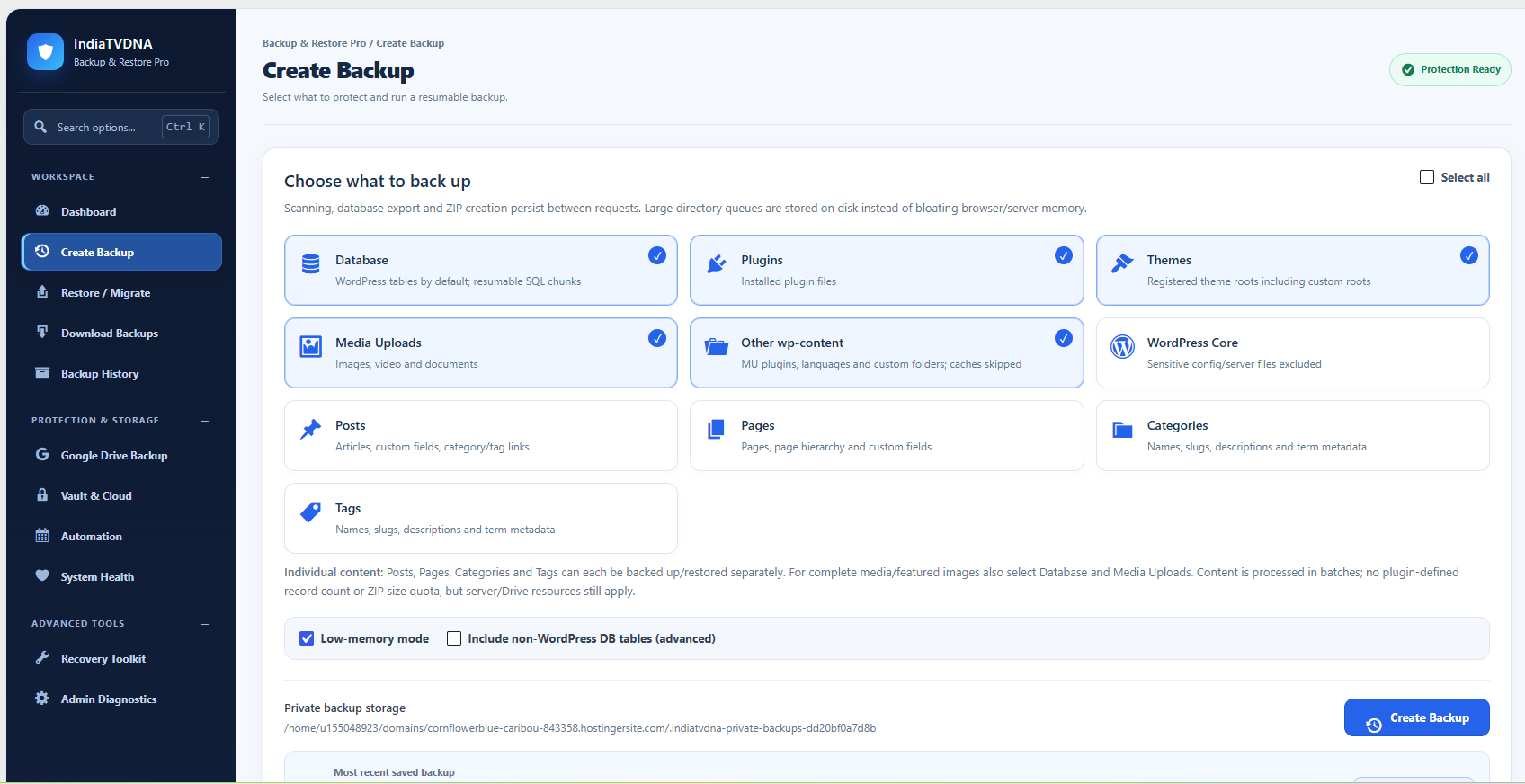
- Full/selected backup and restore: database, plugins, themes, uploads, other wp-content and supported WordPress core files.
- Individual Posts, Pages, Categories and Tags backup and selective restore; preserve parent and category/tag relationships where possible. Media must be backed up separately for complete image restoration.
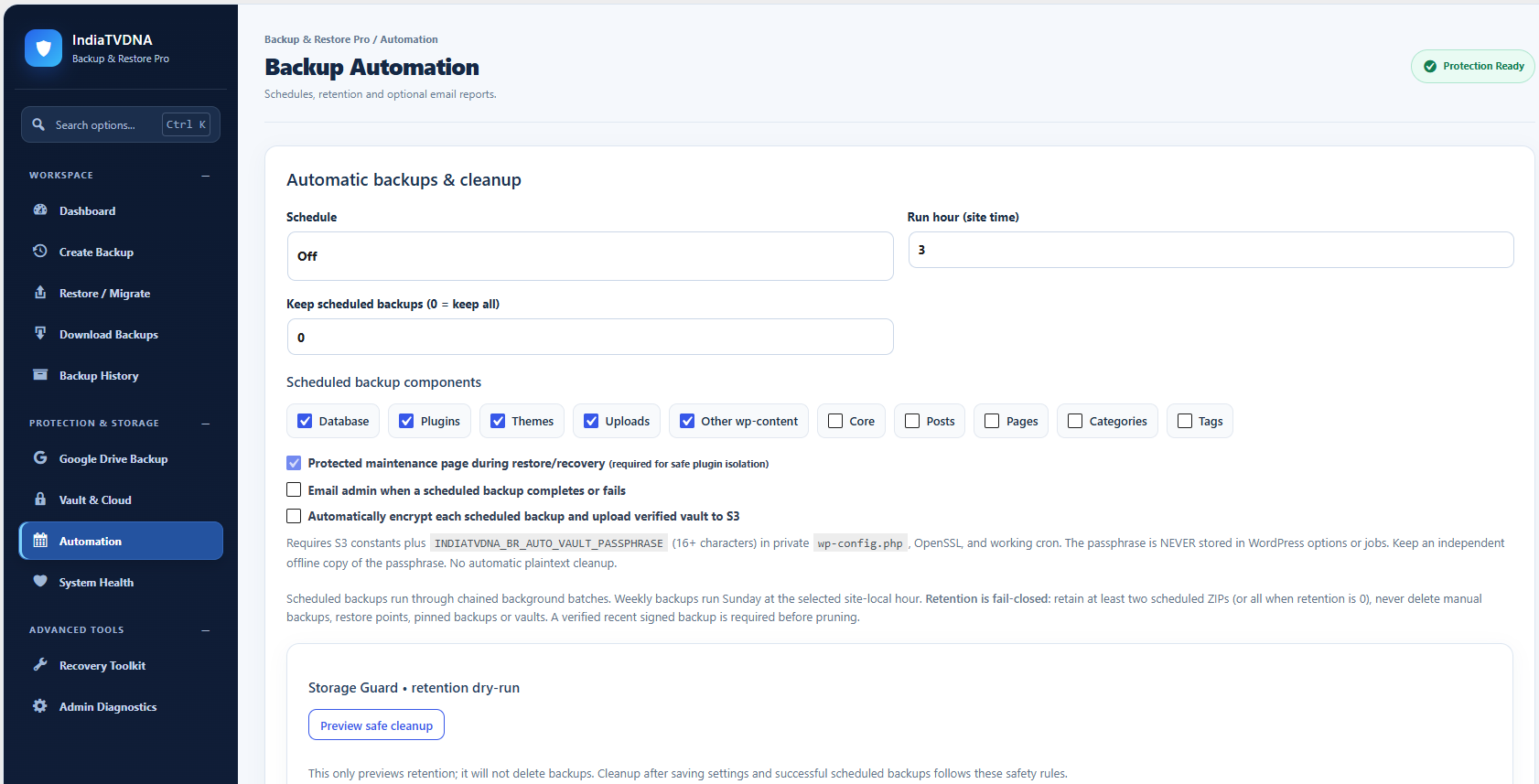
- Resumable and low-memory backup jobs, local Daily/Weekly backups, retention and email reports.
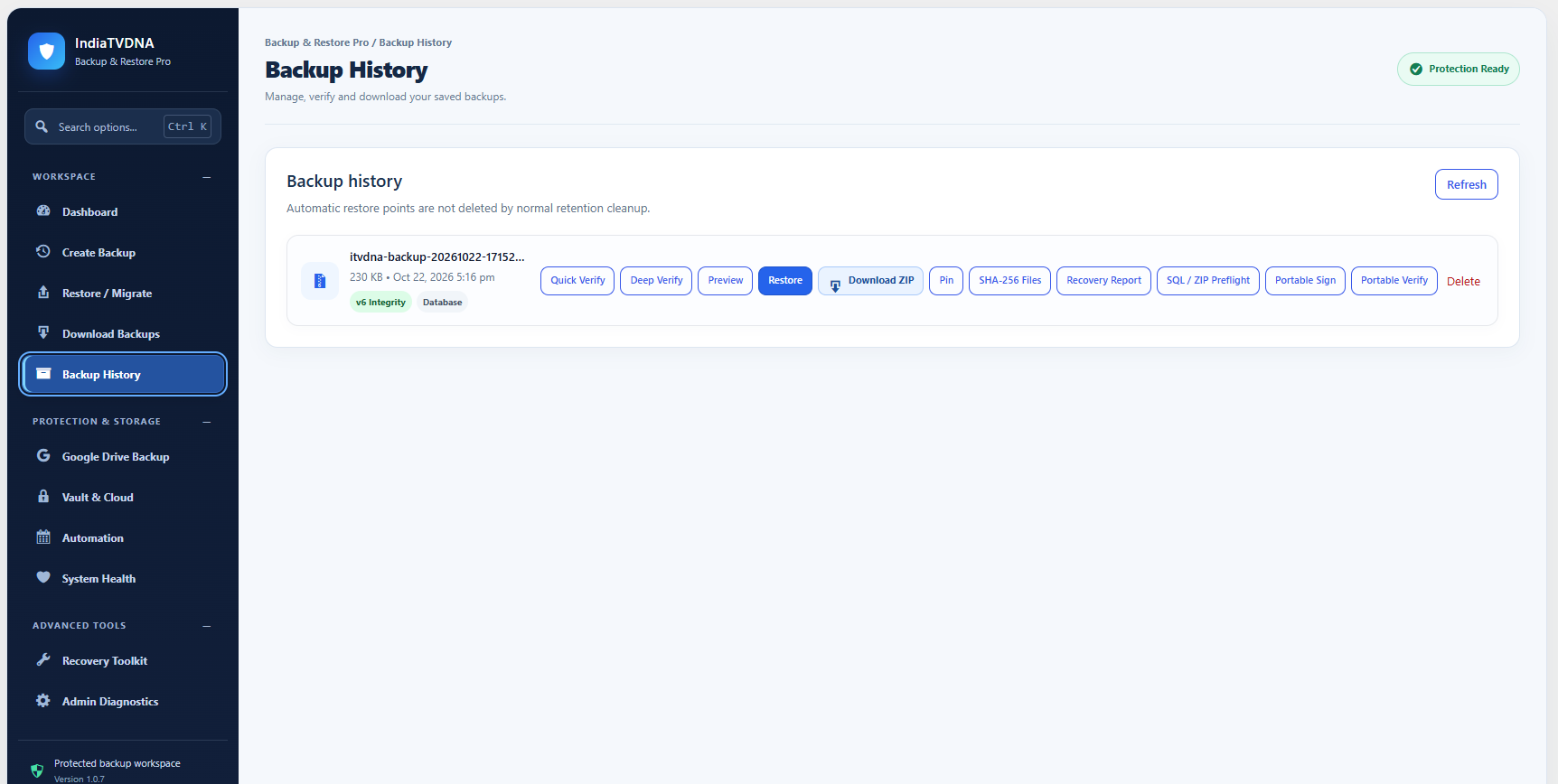
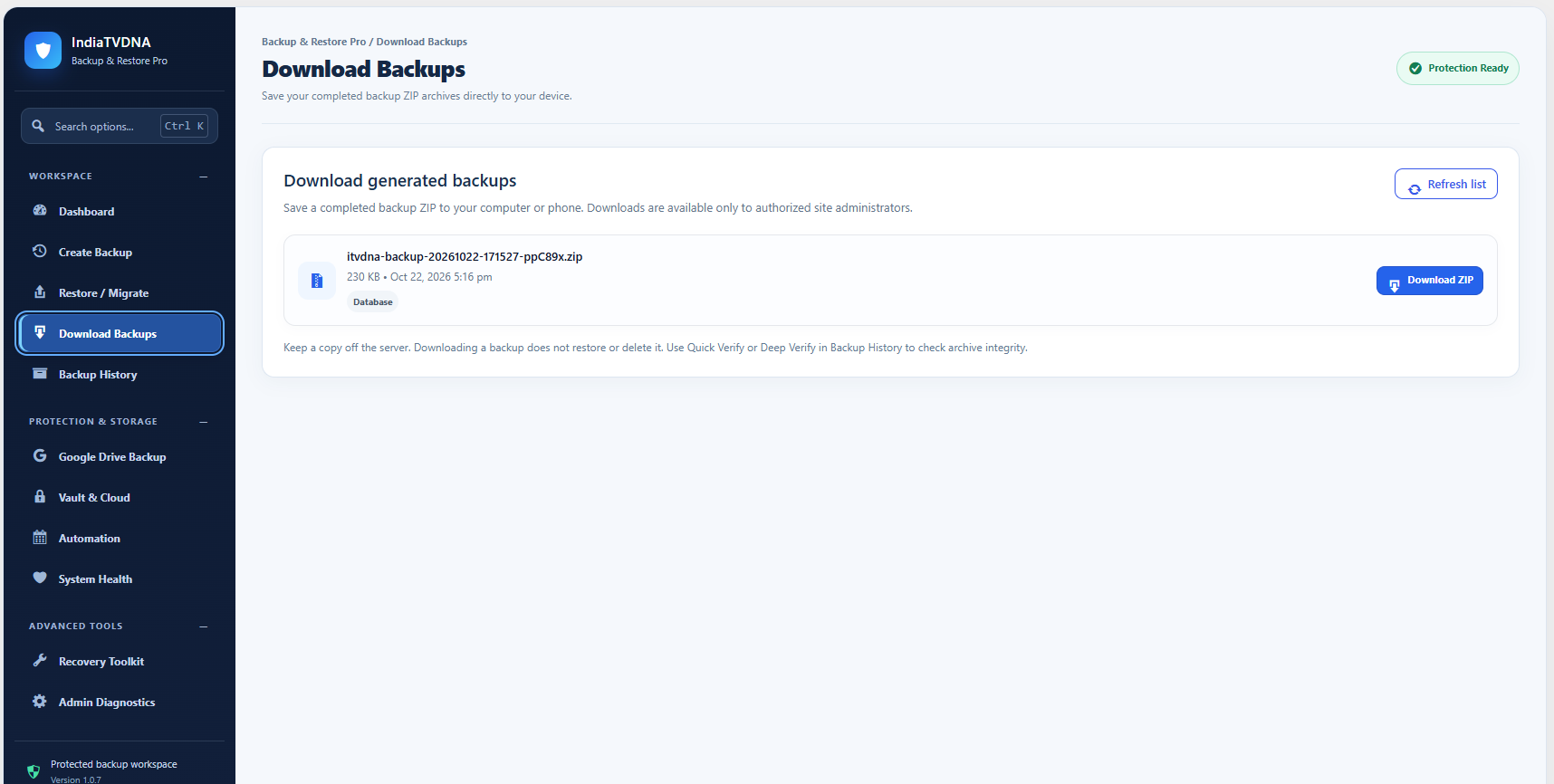
- Admin-only ZIP downloads, backup history, quick/deep verification, SQL/ZIP preflight and storage health checks.
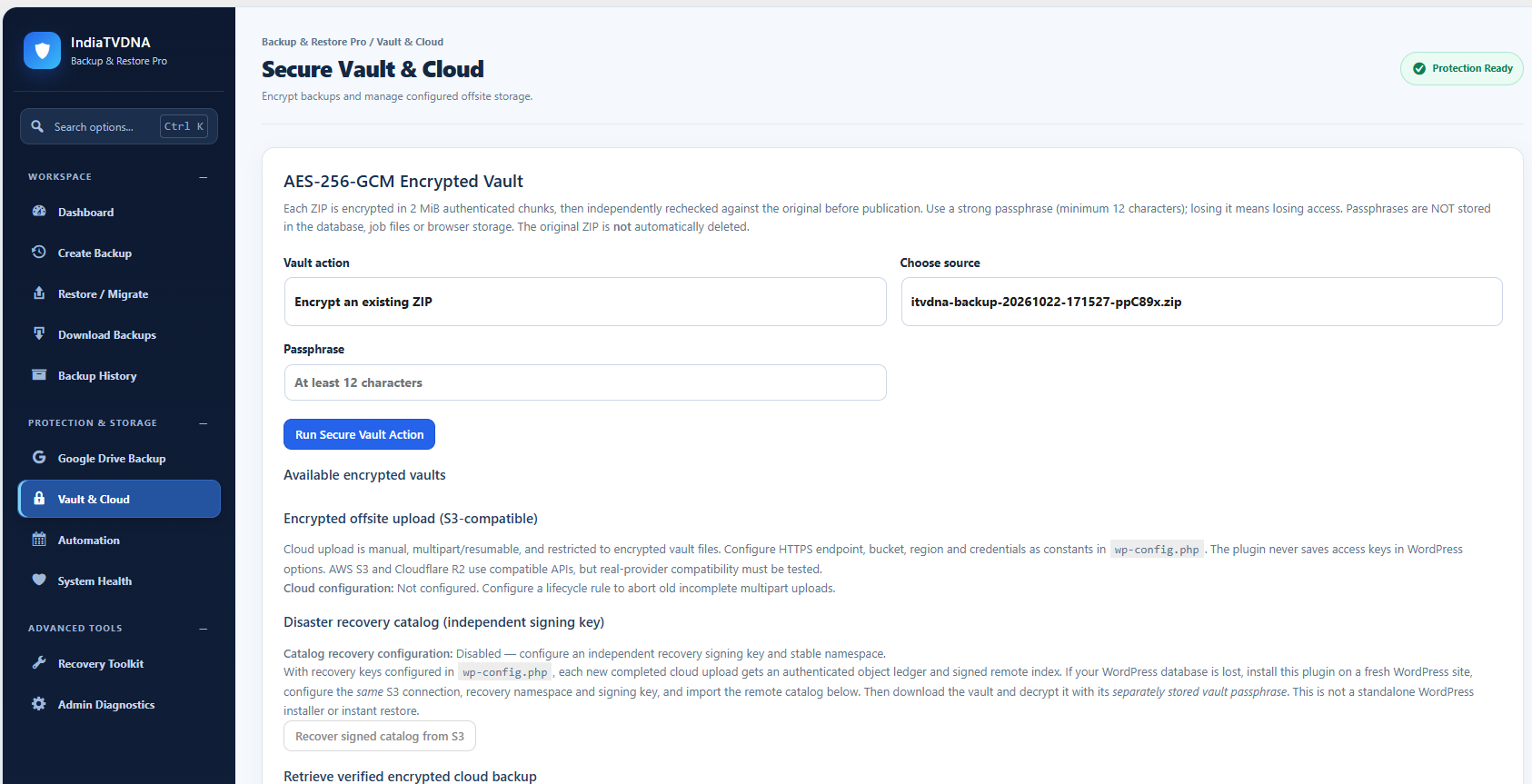
- Manual AES-256-GCM vault encryption/decryption and optional S3-compatible manual vault upload, audit/download and recovery-catalog tools, using administrator-supplied credentials.
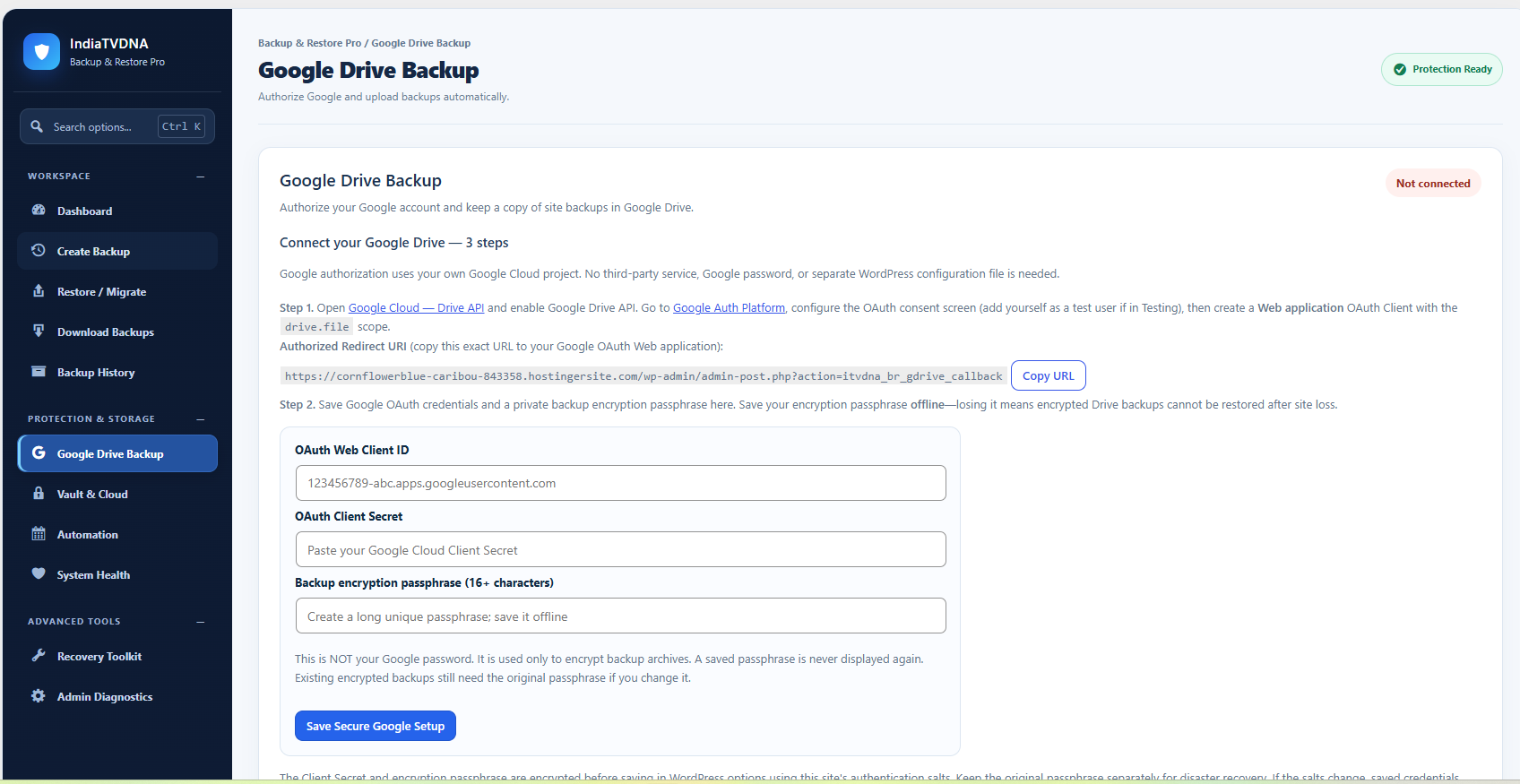
- Optional manual Google Drive upload: OAuth 2.0 connect with your own Google Cloud project, explicit privacy consent, private encryption passphrase, resumable transfer and integrity metadata checks.
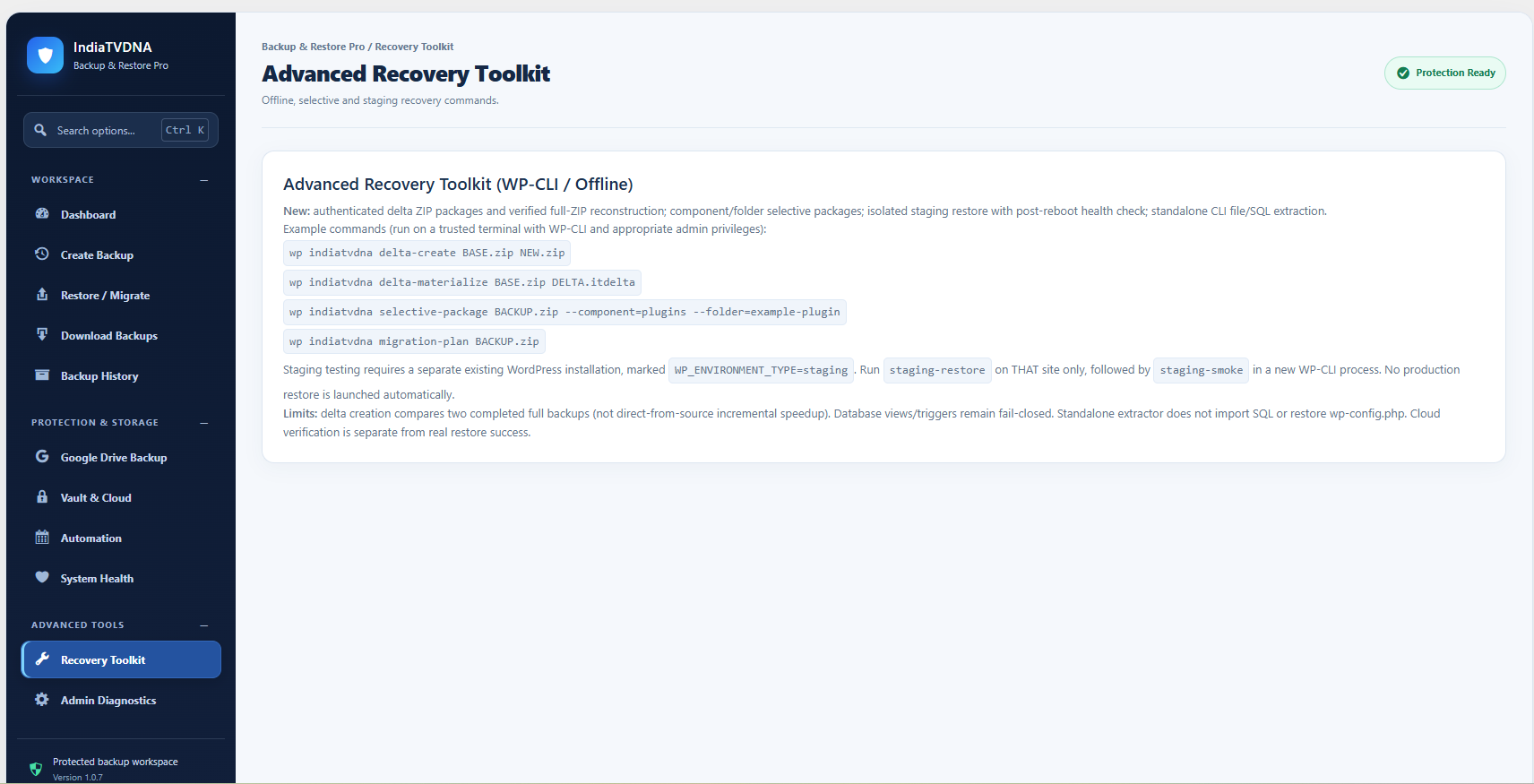
- Read-only snapshot comparison and Free WP-CLI backup, archive analysis, selective packaging, and migration planning tools.
Optional Pro edition
Automatic encrypted Google Drive and S3/R2 uploads, authenticated delta package creation and advanced CLI staging-recovery commands are not included in this Free package. The dashboard shows small informational cards that link to https://indiatvdna.com/ only when an administrator chooses to open them. No locked premium code, trial quotas, telemetry or license checks are included.
Important security and scope
Archive size and record count have no artificial Free-edition paywall; provider/server disk space, PHP, ZIP and database limits still apply. Backups can contain customer and credential data: store them securely, protect access, keep encryption passphrases offline and run a full test restore on staging before relying on disaster recovery. A local ZIP is not a complete server configuration snapshot. WordPress staging, multisite and WooCommerce restore compatibility depend on installation details and are not guaranteed without tests.
External services
Local backup/restore does not use any external service. External transfers are OFF unless the administrator explicitly configures and initiates them.
Google Drive
When the administrator connects Google Drive, OAuth uses Google authorization and token services. A manually selected ZIP is locally AES-256-GCM encrypted before being sent over HTTPS to Google Drive under the administrator’s account, with the limited drive.file scope. Google receives encrypted vault bytes and file metadata; the original ZIP remains on the WordPress server. OAuth credentials are stored with local encryption using WordPress salts. Disconnect stops new requests; previously uploaded files remain in the user’s Google Drive. Google login may require a verified/published OAuth client with allowed test users.
Service: https://drive.google.com/
Privacy: https://policies.google.com/privacy
Terms: https://policies.google.com/terms
S3-compatible storage
An administrator may manually upload encrypted vault files to a chosen S3-compatible provider, whose identity, endpoint, privacy terms and cost are selected/configured by the site owner. Encrypted vault content and object metadata go directly to that provider only when requested. The plugin itself is not a cloud-storage service.
Amazon S3: https://aws.amazon.com/s3/ ; Privacy: https://aws.amazon.com/privacy/
Cloudflare R2: https://www.cloudflare.com/developer-platform/r2/ ; Privacy: https://www.cloudflare.com/privacypolicy/
IndiaTVDNA website
The plugin includes optional View Pro cards and a small Buy Pro Version link in the plugin-owned admin page header, pointing to https://indiatvdna.com/. No information is sent to that site unless the administrator explicitly clicks a link.
Source code and build instructions
The plugin is distributed as human-readable source code. All PHP is shipped in
this ZIP. assets/admin.js is shipped as editable JavaScript, with a separately formatted
human-readable equivalent at assets/admin.source.js; assets/admin.css is editable.
No transpiler, minifier or external build tools are needed. There is no hidden
source repository dependency and the distributed JavaScript can be edited directly.
Standalone PHP CLI-only database/disaster-recovery scripts are provided separately
as optional offline tools and are not installed into a public web directory.
Backup storage safety
New installations use a dedicated vault inside the WordPress uploads directory resolved via wp_upload_dir(), under indiatvdna-backup-restore. Before creating or transferring any unencrypted backup, the plugin checks that a direct HTTP request cannot read a random probe file from the vault. If a host ignores .htaccess (for example, many Nginx configurations), the plugin blocks new backups until the site administrator configures server-level access denial. Existing user-configured private vault paths and backups are retained. The plugin cannot guarantee every host’s restore permissions. All core/plugin/theme filesystem restores must be explicitly initiated by an administrator and may fail on read-only hosts. Use a separate staging installation to verify restores. Never expose downloaded unencrypted backup ZIPs publicly.
Screenshots

Installation
- Upload and activate the plugin. Open the Backup & Restore menu in WordPress admin.
- Select components, make a local backup and run verification before depending on it.
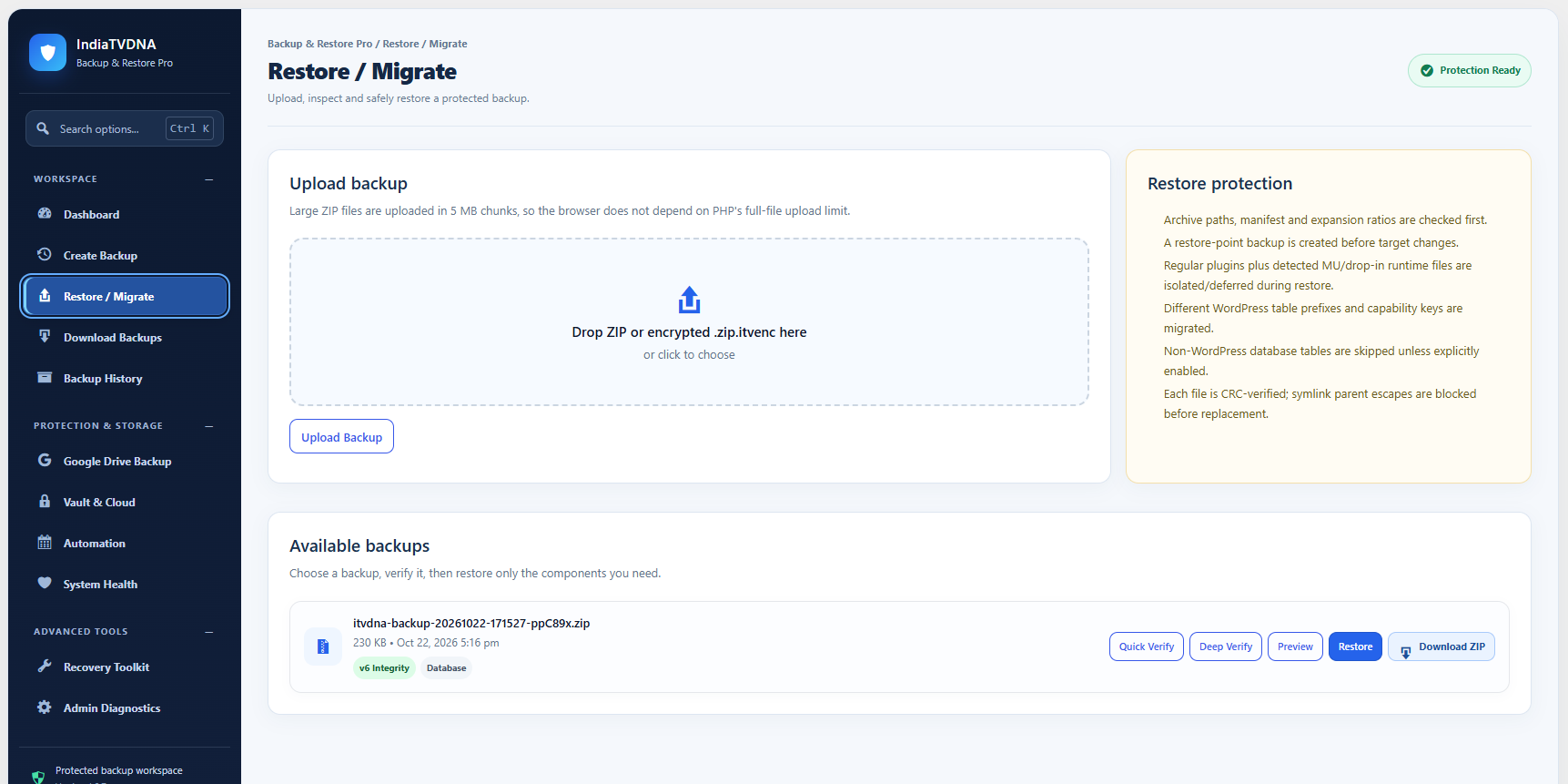
- Use Restore / Migrate to preview and restore on a separate staging site first.
- Optionally configure Google Drive with your own Google Cloud OAuth Web application, correct HTTPS Redirect URI and a separate 16+ character offline-kept passphrase. Explicitly accept upload privacy notice, then initiate uploads manually.
- For manual S3/R2 operations you must configure your own S3-compatible credentials and encryption settings in private server configuration.
FAQ
-
Can I back up and restore without paying?
-
Yes. Full and selective local backup and restore work without a license or cloud service.
-
Are there upload size limits in Free?
-
No premium paywall quotas. Hosting, filesystem and third-party limits still apply.
-
Is Google Drive automatic in Free?
-
No. Google Drive upload is manually initiated in Free after the administrator connects and consents.
-
Do I need a paid cloud account?
-
No provider account is required for local backups. Remote storage accounts can have provider-imposed usage or charges.
-
Can I restore directly from Google Drive?
-
No. Download the vault through Google Drive, import/decrypt in Vault & Cloud, then verify and restore the ZIP. Keep the passphrase safe.
-
Is every server setting included?
-
No. Back up wp-config.php, .htaccess and other sensitive server configuration separately.
Reviews
There are no reviews for this plugin.
Contributors & Developers
“IndiaTVDNA Backup & Restore” is open source software. The following people have contributed to this plugin.
Contributors
Translate “IndiaTVDNA Backup & Restore” into your language.
Interested in development?
Browse the code, check out the SVN repository, or subscribe to the development log by RSS.
Changelog
1.0.7
- Resolve uploads, core, plugins and content directory paths centrally; use the actual configured uploads path during restore.
- Default new vaults to a dedicated uploads/indiatvdna-backup-restore directory and refuse unverified public backups.
- Keep core-restore staging under the managed vault; stop generating IIS web.config files.
- Preserve existing backups, legacy vault configuration and ZIP archive entry names.
1.0.6
- Use the WordPress core debug-reporting helper when available instead of the PHP error_log() function for a recoverable storage-metadata migration warning.
- Keep WordPress 6.2/6.3 compatibility, never report with debugging off, and avoid throwing during error reporting. Existing backup paths and file-storage behavior are unchanged.
1.0.5
- Make storage metadata migration deferred and fail-safe instead of running filesystem writes during WordPress plugin loading.
- Preserve existing backups, signed storage metadata, and legacy upgrades.
1.0.4
- Store the signed recovery backup-location marker in a private plugin-specific uploads directory instead of writing to wp-content. Preserve and migrate older markers without moving existing backups.
1.0.3
- Moved the durable storage-location marker to a non-executable file; safely reads and migrates the old PHP marker without changing the private backup path. Recovery job markers now commit atomically.
- Escaped all dynamic diagnostic labels and server data in dashboard-generated HTML.
- Removed obsolete edition-specific option filtering while preserving existing Google Drive consent, nonce and account requirements.
1.0.2
- Removed the Google Drive Free/Pro background-worker entitlement gate; encryption and administrator consent remain mandatory.
- Switched legacy admin-menu compatibility CSS and JavaScript to WordPress enqueue and inline APIs.
- Stopped creating executable PHP in mu-plugins during restore; private recovery markers and staged runtime isolation remain. High-risk restores require staging verification.
- Moved independent offline-only CLI recovery scripts out of the public plugin archive into a separate optional package.
- Documented readable JavaScript source and the no-build source workflow.
1.0.1
- Corrected Google Drive permission-message translation domain and the Free edition privacy-policy title.
- Improved direct-web-access protection for the then-bundled offline recovery scripts, explicit AJAX nonce checks, input validation and readme formatting.
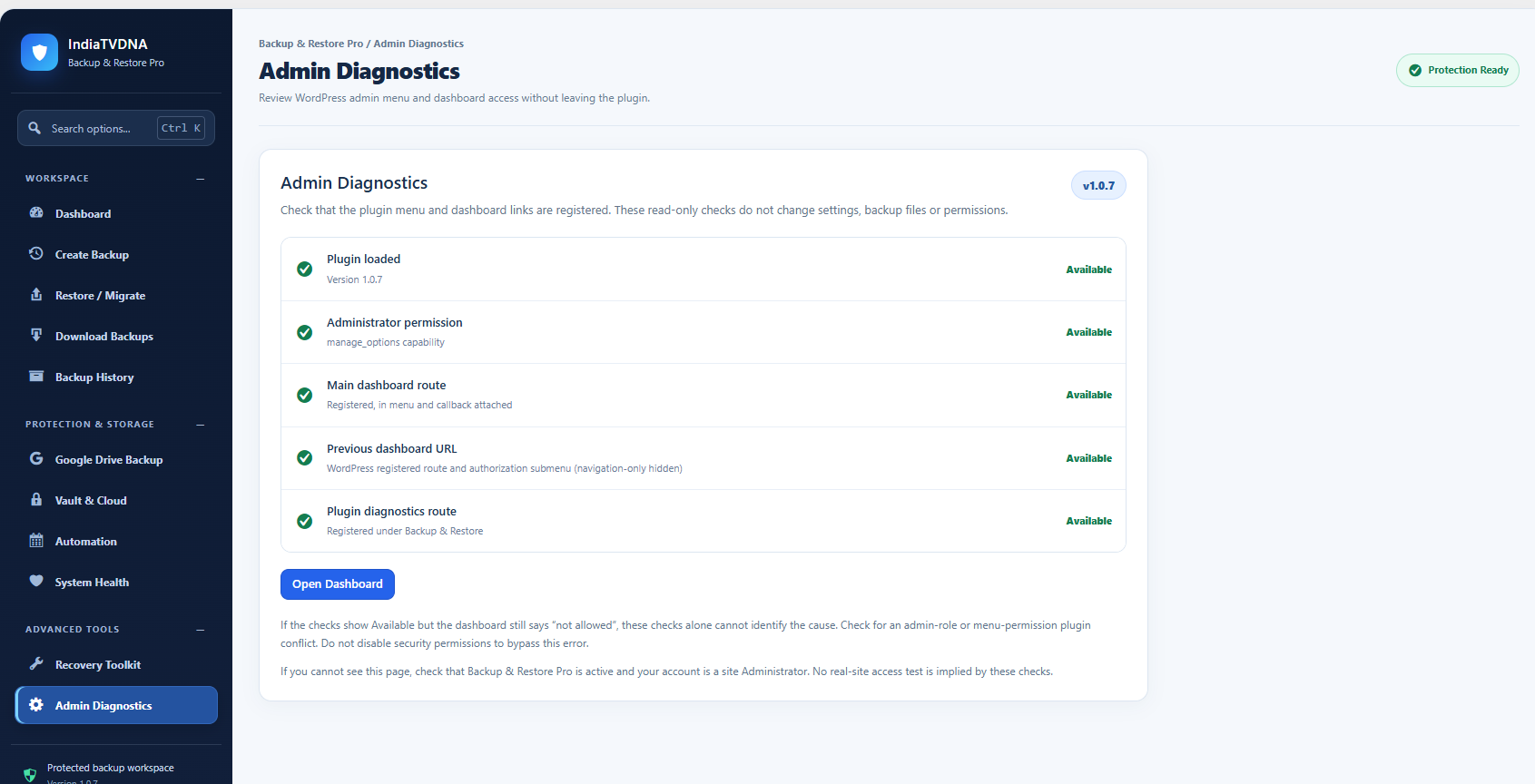
- Added a single, discreet Buy Pro Version link to the header of the plugin’s own admin screens (including diagnostics). No outside requests are made without a click.
- No changes to the backup, restore, security or cloud engines.
1.0.0
- First Free release candidate. Functional local backup and restore, manual encrypted cloud tools and Google Drive OAuth kept. Premium-only automatic cloud scheduling, delta-package creation and staging CLI engine omitted.