

Description
Turn plain photo collections into beautiful responsive galleries your visitors can browse in a smooth lightbox – right inside the block editor, no code required.
Image Gallery Block | Pricing | Support | Live Demo
🔥 NEW IN PRO: Media Highlights Story Albums — Create Facebook-style story albums that group your photos and videos into swipeable, autoplay stories with a stunning full-screen viewer!
Why Image Gallery Block?
Image Gallery Block is a lightweight Gutenberg gallery plugin that lets you create responsive image galleries, photo galleries, Polaroid galleries, portfolio galleries, and lightbox galleries directly inside the WordPress block editor. Display images in elegant grids, stylish cards, or Polaroid-style layouts, organize photos into albums, and open every image in a clean lightbox popup.
Everything adapts automatically to desktop, tablet, and mobile, and scripts only load on pages that actually use the block – so your galleries look great without slowing your site down. Titles, subtitles, dates, typography, gradients, shadows, and hover effects are all configurable from the block sidebar.
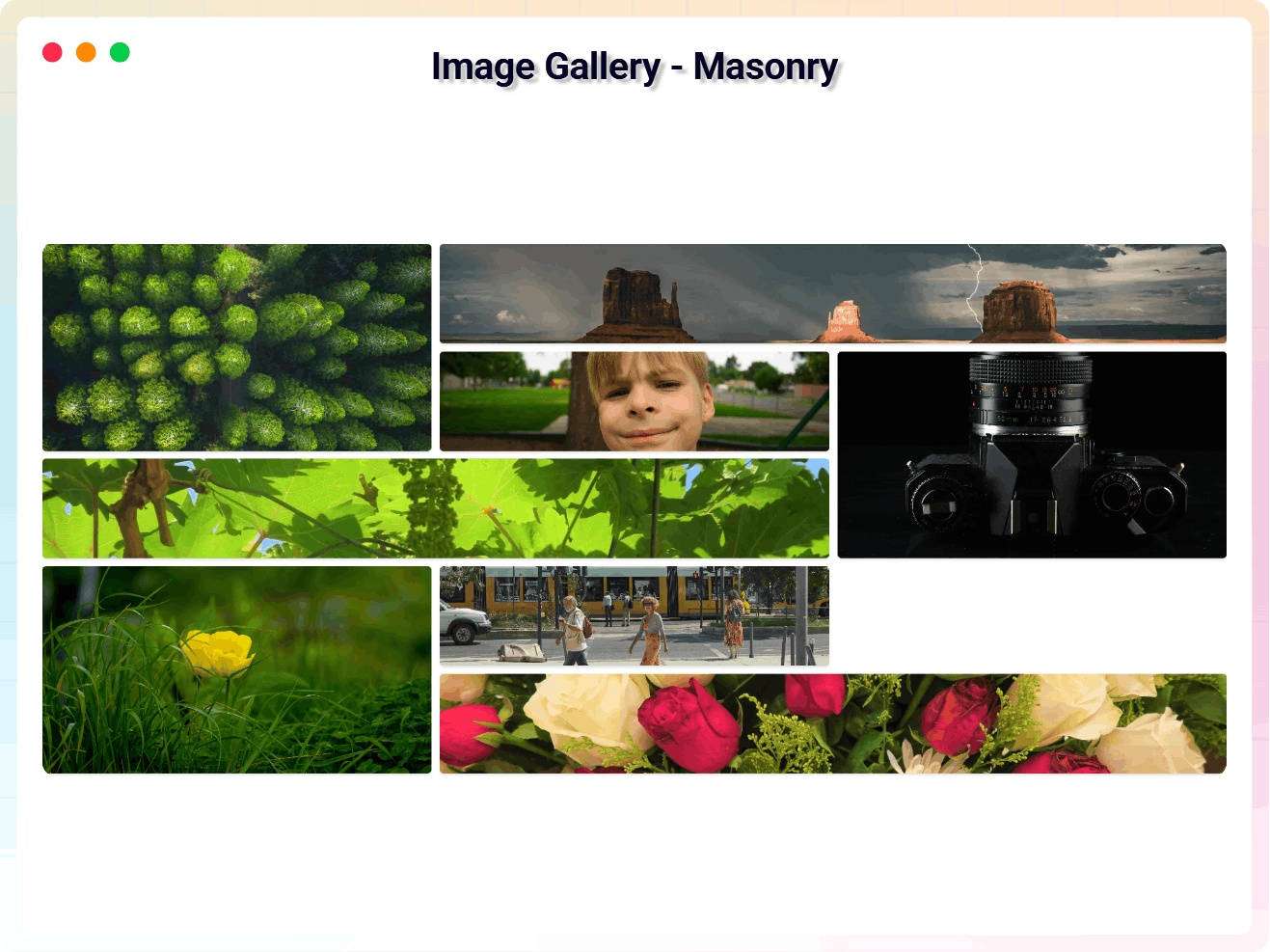
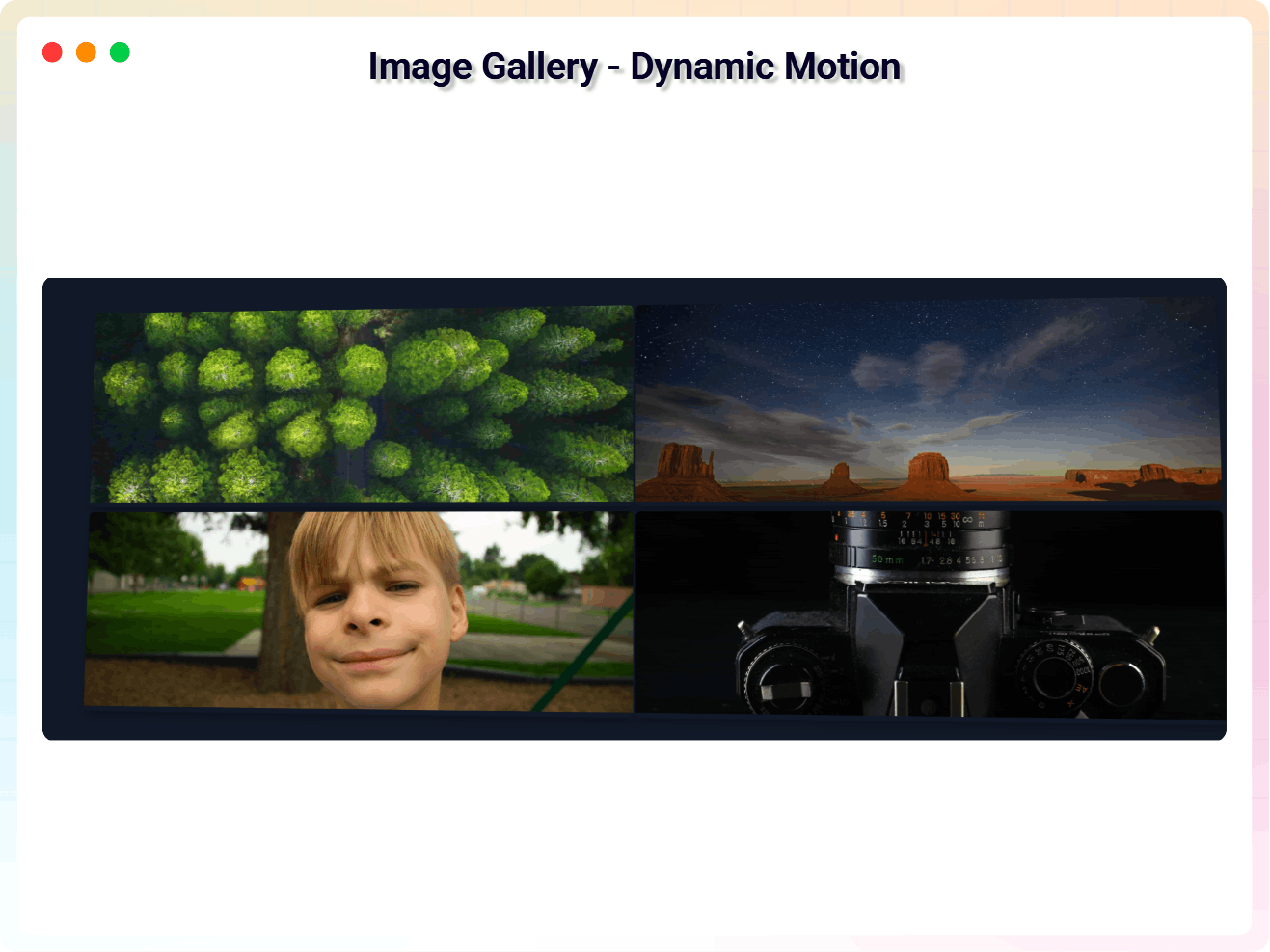
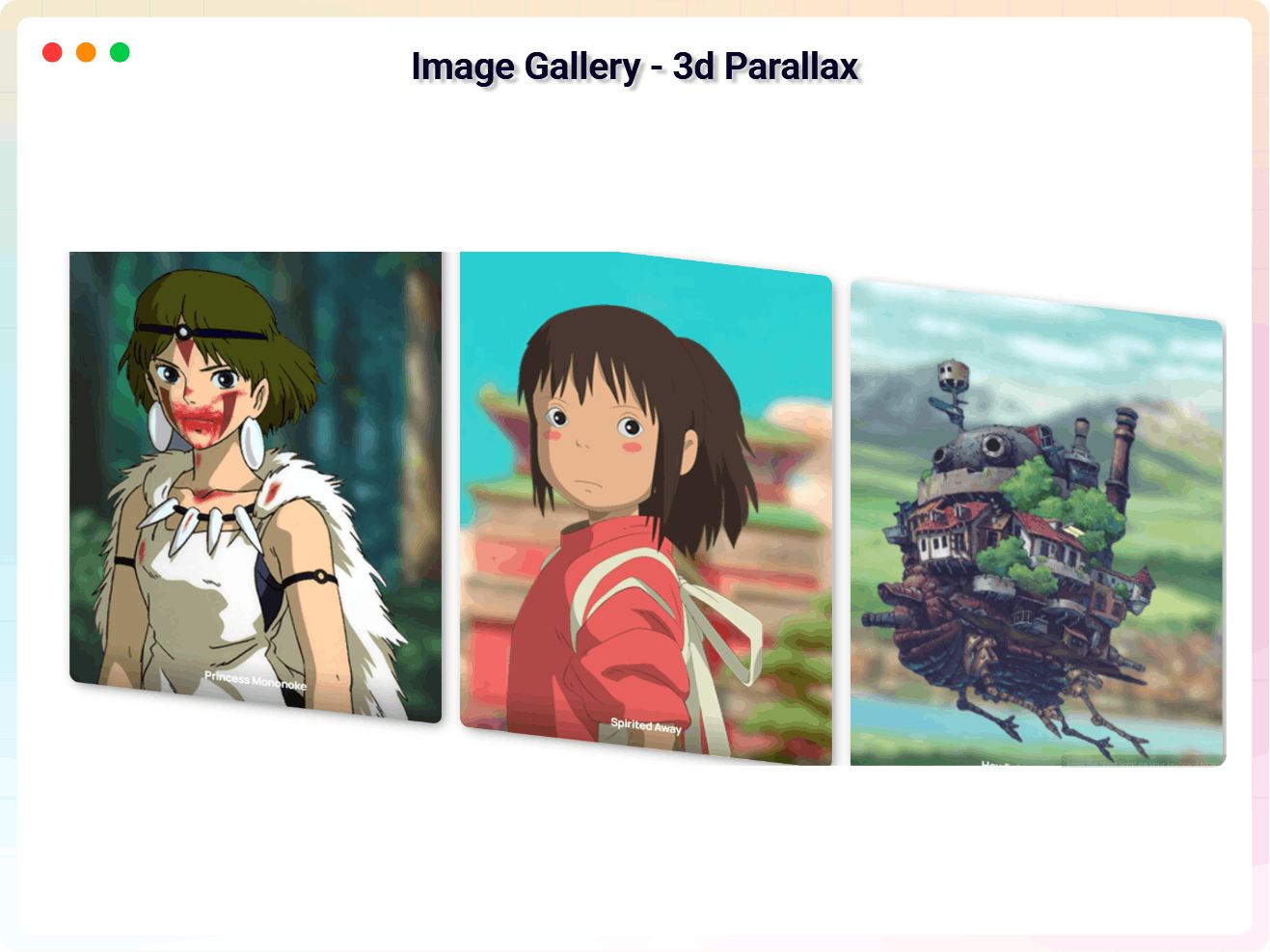
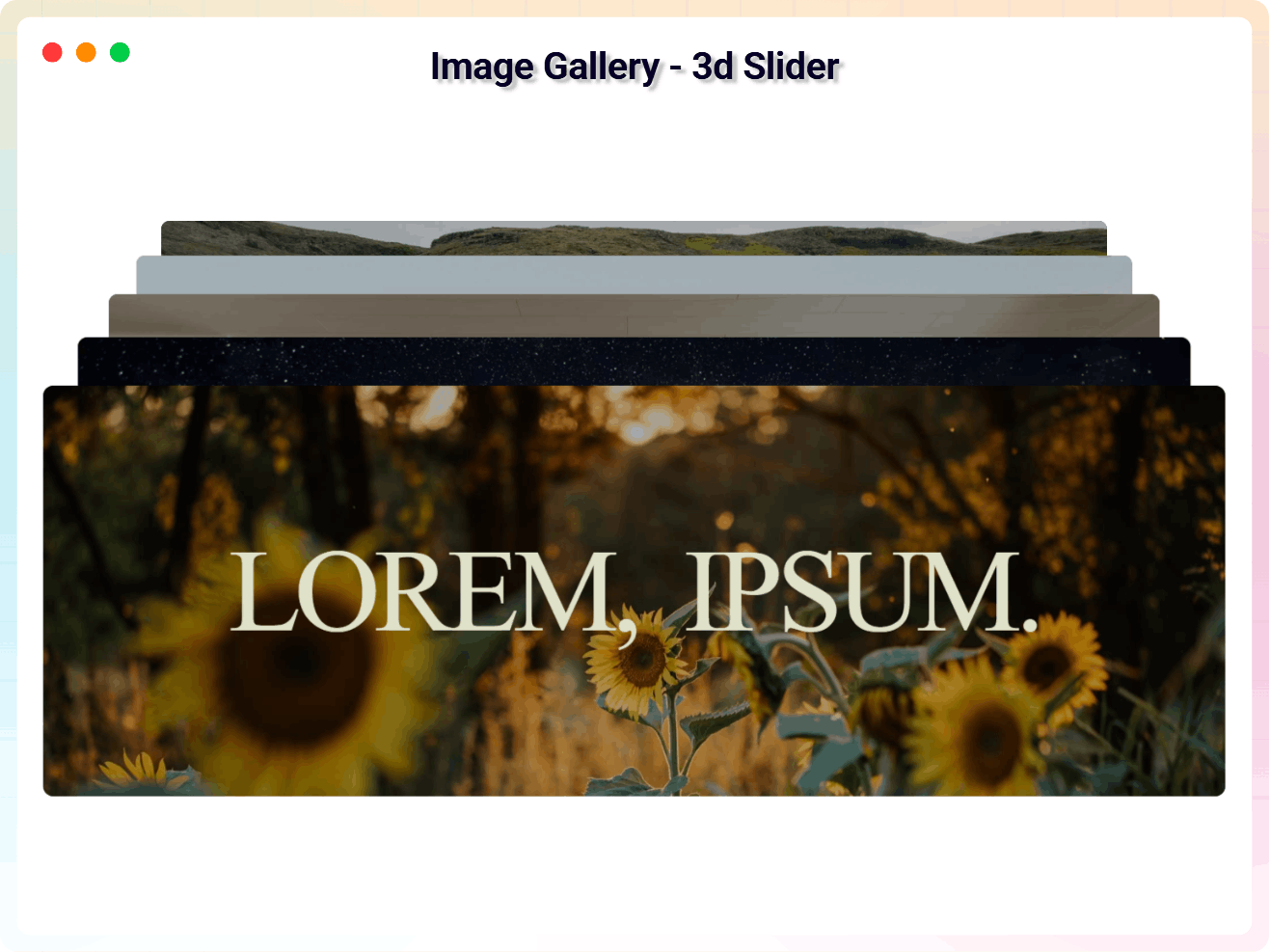
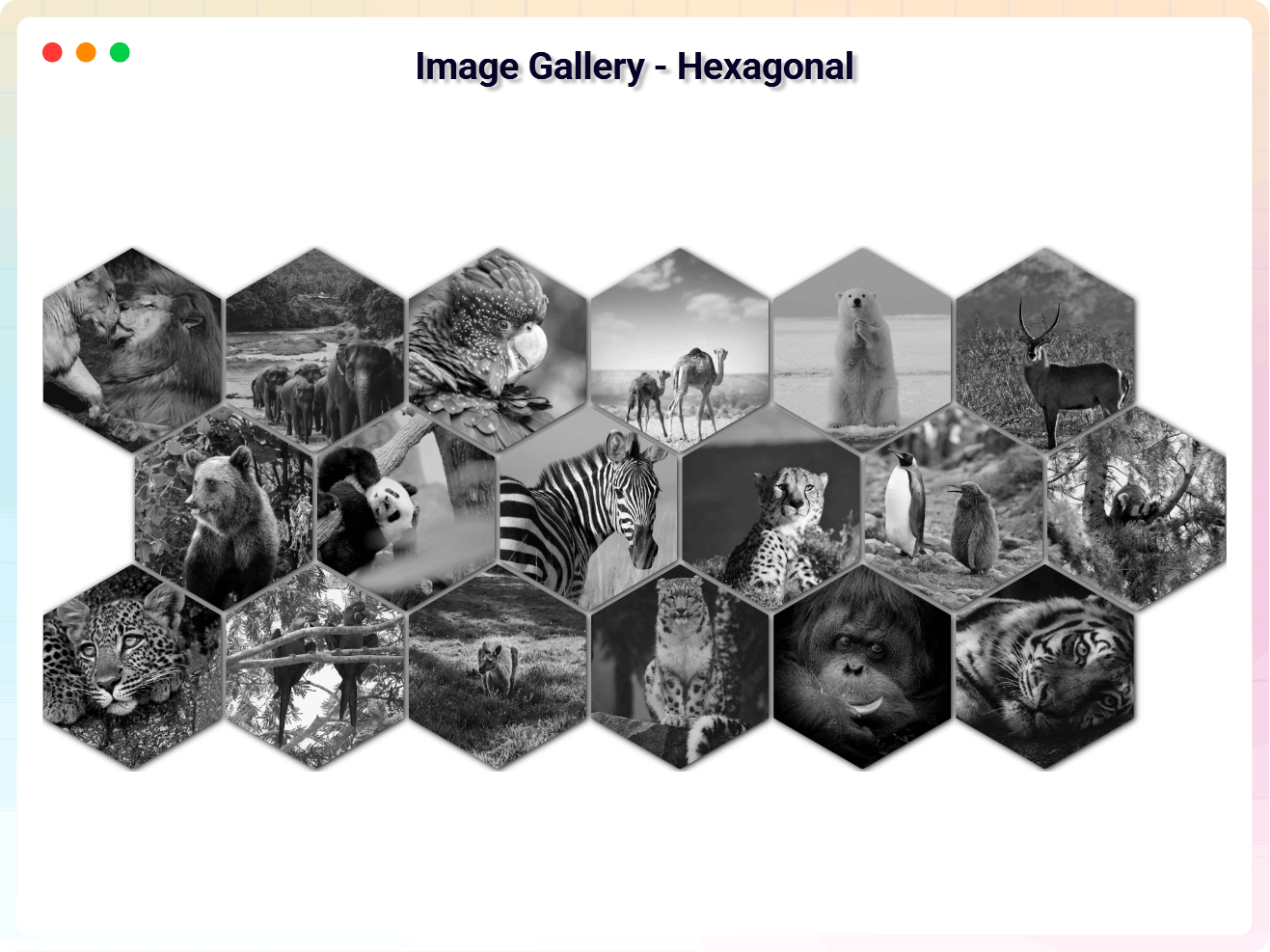
Need more? Pro unlocks advanced layouts including Masonry, Dynamic Motion, 3D Parallax, Hexagonal grids, and interactive 3D Image Sliders – perfect for photography portfolios, product showcases, and visual storytelling pages.
Free Features – Everything You Need to Get Started
- Responsive Image Gallery Block: Clean grid layouts that automatically adapt to desktop, tablet, and mobile screens.
- Reusable Galleries (Shortcode): Build a gallery once and place it anywhere—widgets, page-builder rows, or theme templates—using a simple shortcode
[image_gallery id="123"]. - Ready-Made Sections: Get started instantly with four beautiful block patterns: Photo album grid, Polaroid photo wall, Portfolio showcase, and Product lookbook.
- Easy Gallery Creation: Build photo galleries and photo albums directly inside the Gutenberg editor.
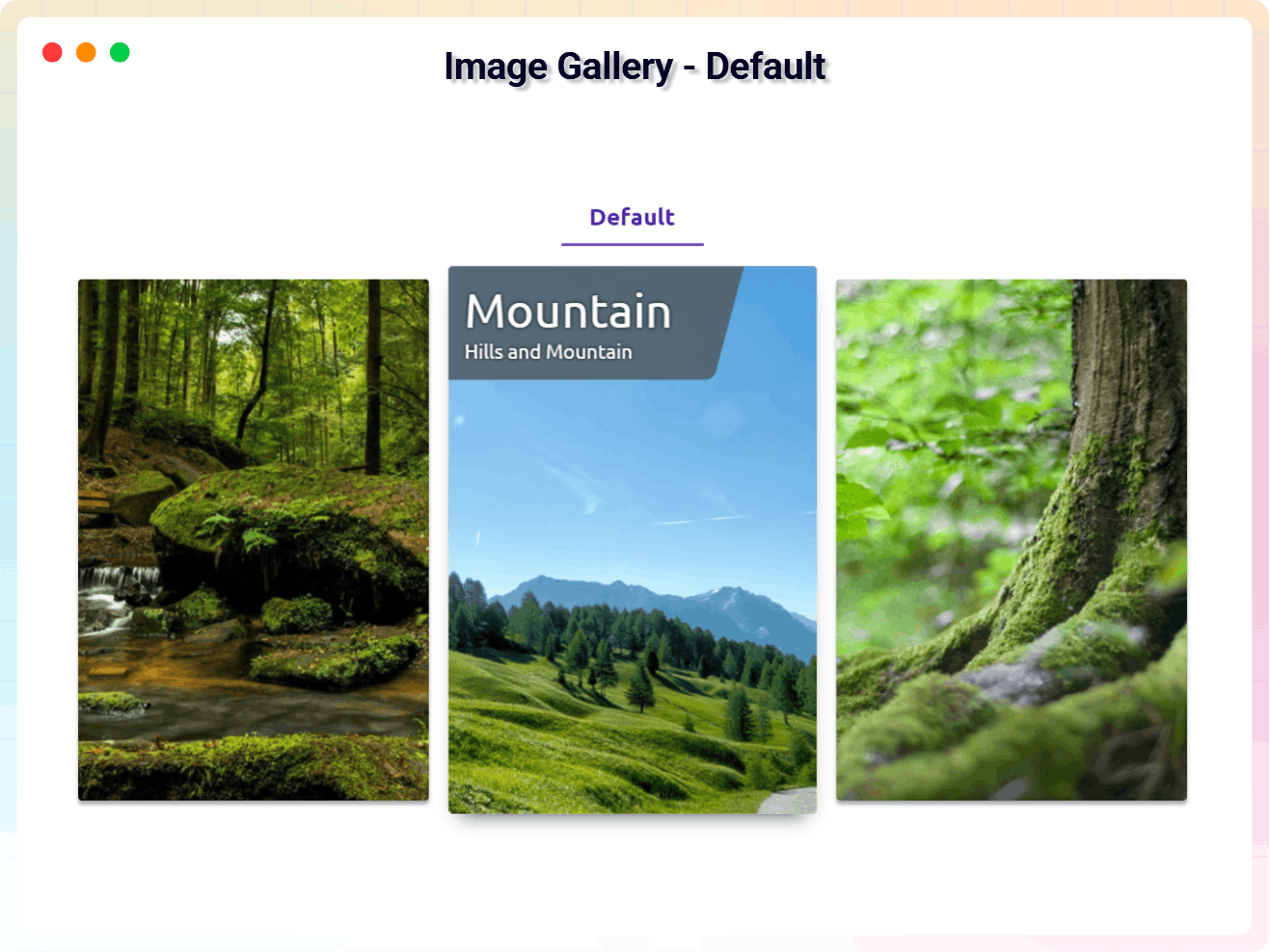
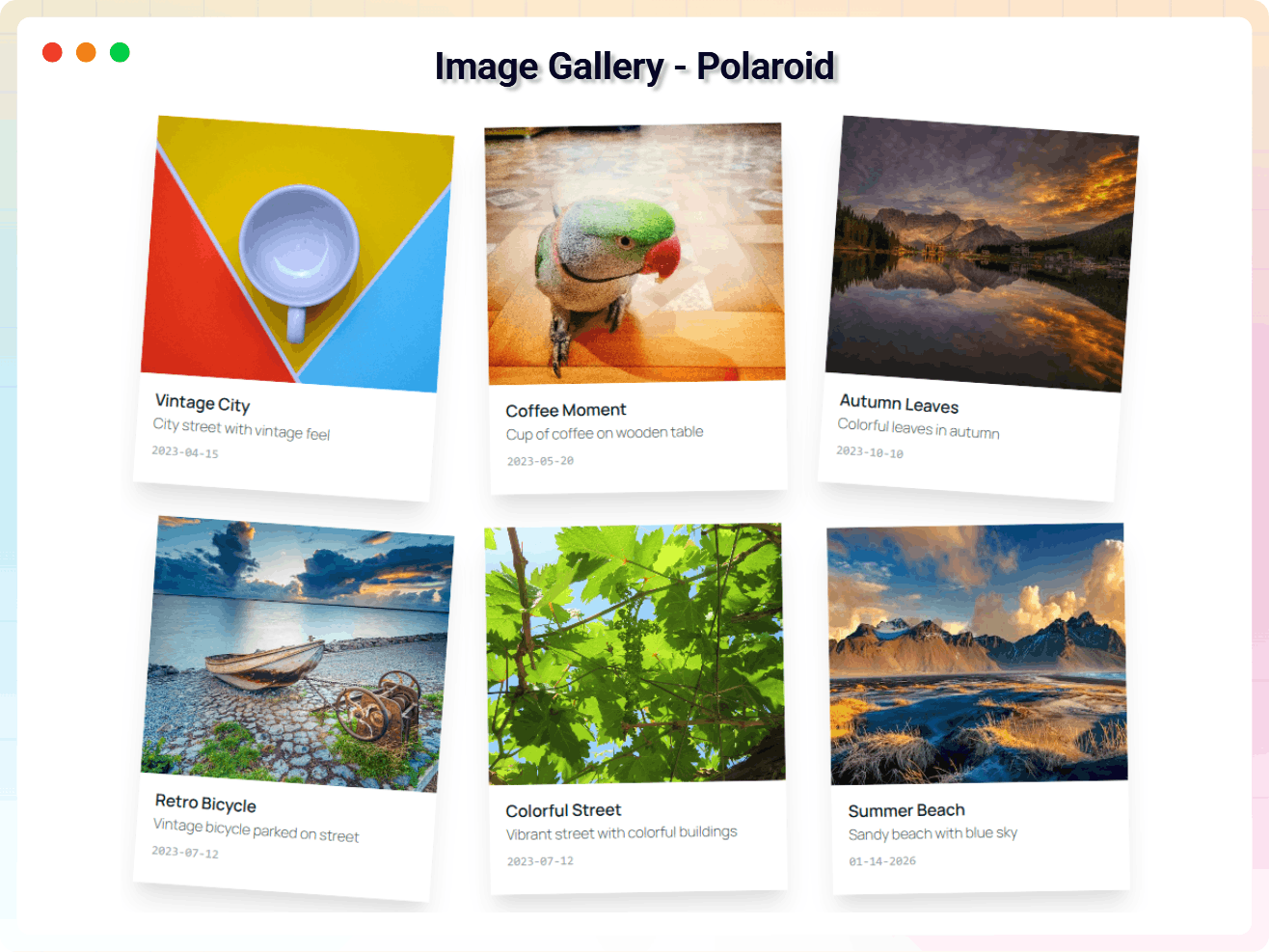
- Grid & Polaroid Layouts: Choose from Classic Grid and Polaroid styles.
- Built-in Lightbox Popup: Visitors open images in a clean popup for a better viewing experience.
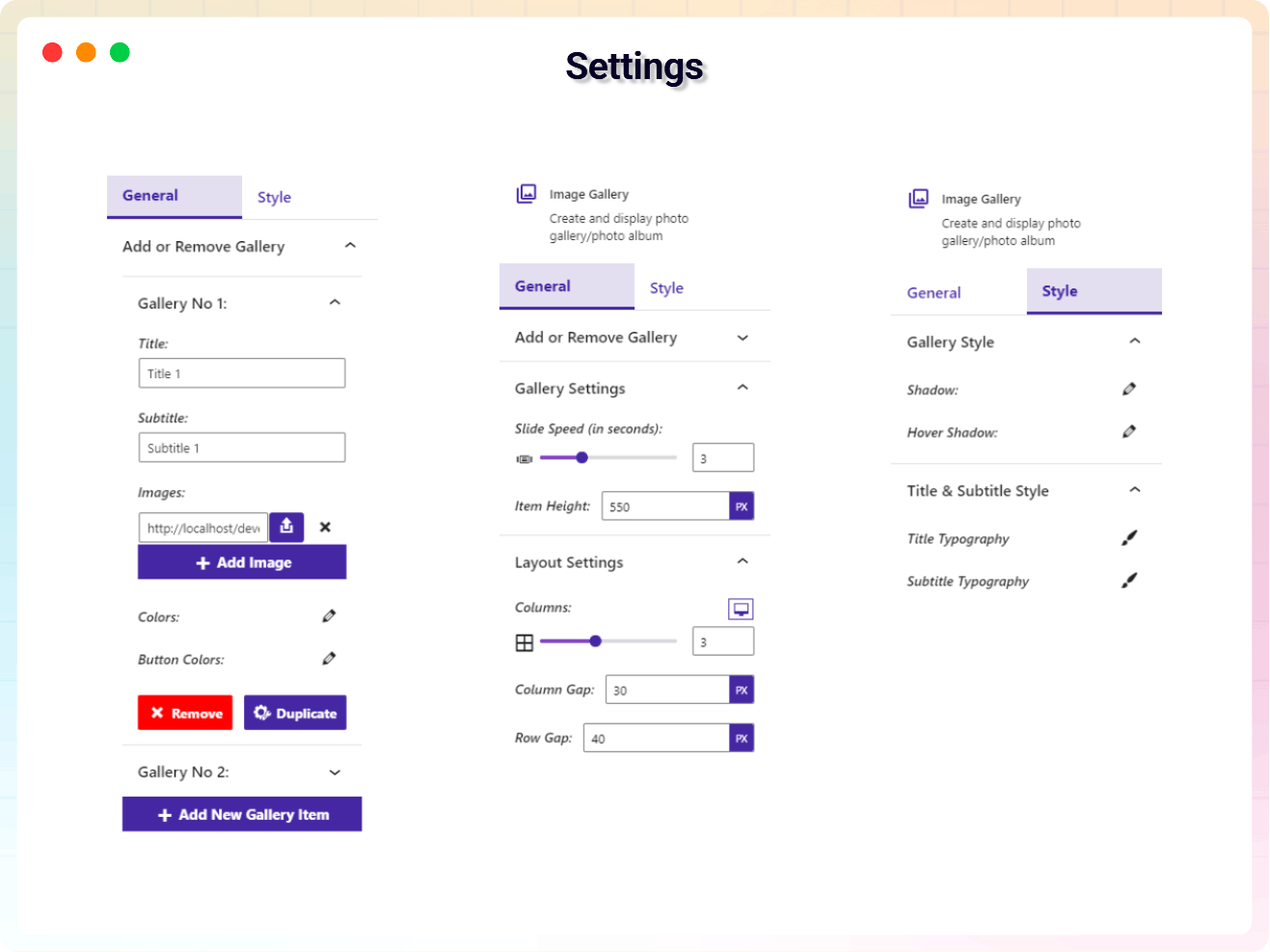
- Flexible Grid Controls: Adjust gallery columns (1–6) and spacing.
- Image & Content Management: Add, remove, duplicate, and edit gallery images, titles, and subtitles.
- Typography Controls: Responsive text sizing for titles and subtitles on every device.
- Custom Styling Controls: Design gallery cards with gradients, shadows, and hover effects.
- Date Display Controls: Show or hide image dates and format them with the built-in date picker.
- Bulk Import from Media Library: Select multiple photos at once and add them as gallery items or images in one step, instead of one at a time.
- Albums & Filter Bar: Group images into albums and let visitors filter the gallery with a clickable filter bar.
- Image Watermarking: Overlay a text or logo watermark on gallery and lightbox images, with position, opacity, and where it applies all configurable.
- Load More Pagination: Load a limited number of images up front and reveal the rest on demand, for faster-loading large galleries.
- Lightbox Toolbar: Fullscreen, download, and share/copy-link buttons plus an image counter in the lightbox popup.
- Aspect Ratio Control: Force gallery thumbnails to a square, 4:3, 16:9, 3:2, or 9:16 crop instead of a fixed height.
- Right-Click Protection: Optionally prevent visitors from right-clicking to save gallery images.
- Keyboard & Screen Reader Accessible: Gallery items and the lightbox are fully keyboard-operable, with proper ARIA roles and focus handling.
- Optimized Script Loading: Scripts load only when the block is used, keeping pages fast.
- Translation Ready: Fully compatible with multilingual websites.
Pro Version – Unlock Advanced Gallery Layouts
Image Gallery Block Pro extends the plugin with advanced layouts, enhanced design controls, and interactive gallery experiences.
Pro features include:
- Advanced Gallery Layouts: Masonry, Dynamic Motion, 3D Parallax, and Hexagonal layouts.
- 3D Image Slider Galleries: Engaging 3D sliders with navigation controls.
- Drag-and-Drop Image Sorting: Reorder gallery images with sortable controls.
- Custom Overlay Effects: Stylish hover overlays with adjustable colors, margins, and padding.
- Card Design Customization: Control card borders, radius, widths, and layout appearance.
- Button & Element Positioning: Fine-tune button placement and alignment.
- Global Container Controls: Advanced background, margin, and padding settings.
- Media Highlights Story Albums: Facebook-style story albums that group photos and videos, opening in a full-screen autoplay story viewer.
- Priority Support: Faster assistance and updates.
Try Image Gallery Block Pro – unlock all premium features now!
How to Use Image Gallery Block – Quick Start
- Open any page or post in the WordPress block editor (Gutenberg).
- Click the + (Add Block) button and search for “Image Gallery”.
- Insert the block, then upload or select images from the Media Library.
- Add titles and subtitles, set columns, styling, and enable the lightbox popup from the block settings panel.
- Preview your gallery on different devices, then hit Publish.
Note: If you select a Pro layout (such as Masonry or 3D Parallax) in the free version, a placeholder block appears with a Get Premium button – you can remove it if you choose not to upgrade.
Live Demo | Get Image Gallery Block PRO
Use Cases
- Photography Portfolios: Present your best shots in grids, Masonry, or Polaroid styles.
- WooCommerce Product Galleries: Build product showcases and visual collections on shop sites.
- Travel Photo Galleries: Share trip albums with dates, titles, and lightbox viewing.
- Blog Image Galleries: Enrich articles with responsive photo collections.
- Portfolio Showcases: Highlight creative work with hover effects and 3D layouts.
- Visual Storytelling Pages: Combine images, titles, and subtitles to tell a story.
Did you like this plugin? Do you have a feature request? Please share your feedback with us.
Check Out The Parent Plugin of This Plugin-
B Blocks – A blocks collection and page building tool for Gutenberg.
Check Out Our Other WordPress Plugins-
Html5 Video Player – Display videos as single and playlist in multiple skins.
PDF Poster – Display/Embed PDF files with different styles.
Html5 Audio Player – Listen audios with awesome visuals.
StreamCast – Customizable radio player with different skins.
3D Viewer – Embed 3D models and 3D products with interaction.
Advanced Post Block – Show posts and custom posts in different layouts.
Source Code
The non-minified source code for this plugin is available on our public repository:
GitHub Repository
Build Process
This plugin uses a build process to generate the production assets (JS/CSS) located in the build/ directory. The human-readable source code is available in the src/ directory.
To build the plugin from source:
1. Clone the repository: https://github.com/bPlugins/3d-image-gallery-free
2. Install dependencies: npm install
3. Run the build command: npm run build
Build Tools Used: Webpack, Babel, PostCSS, Gulp.
Third-Party Libraries
This plugin uses the following third-party libraries:
bpl-tools
- Source / GitHub: https://github.com/bPlugins/bpl-tools
- License: GPL-2.0-or-later – https://www.gnu.org/licenses/gpl-2.0.html
- Purpose: Shared utility library providing admin dashboard components and common Gutenberg editor controls.
- External Services: The library may connect to bPlugins, WordPress.org, and Freemius services for product data and checkout functionality. See full details: https://github.com/bPlugins/bpl-tools#external-requests–why-they-are-made
As the external service functionality is handled by bpl-tools as a third-party library, the following services are utilized:
bPlugins API
- Service URL: https://api.bplugins.com
- Purpose: The plugin’s admin dashboard fetches product comparison data and pricing information to display relevant upgrade options and feature details.
- Data Sent: Only the plugin slug is transmitted; no personal or site data is collected.
- Terms of Service: https://bplugins.com/terms-of-service/
- Privacy Policy: https://bplugins.com/privacy-policy/
WordPress.org Plugins API
- Service URL: https://api.wordpress.org/plugins/info/1.2/
- Purpose: The admin dashboard queries the official WordPress.org Plugins API to retrieve and display a curated list of other plugins by the same author (“Our Plugins” section).
- Data Sent: Plugin slugs and author name; no personal or site data is collected.
- Terms of Service: https://wordpress.org/about/tos/
- Privacy Policy: https://wordpress.org/about/privacy/
Freemius API
- Service URL: https://api.freemius.com
- Purpose: Handles license activation, premium feature verification, update checks, and opt-in telemetry for both free and pro versions.
- Data Sent: Site URL, admin email, license keys, and version numbers.
- Terms of Service: https://freemius.com/terms/
- Privacy Policy: https://freemius.com/privacy/
Screenshots
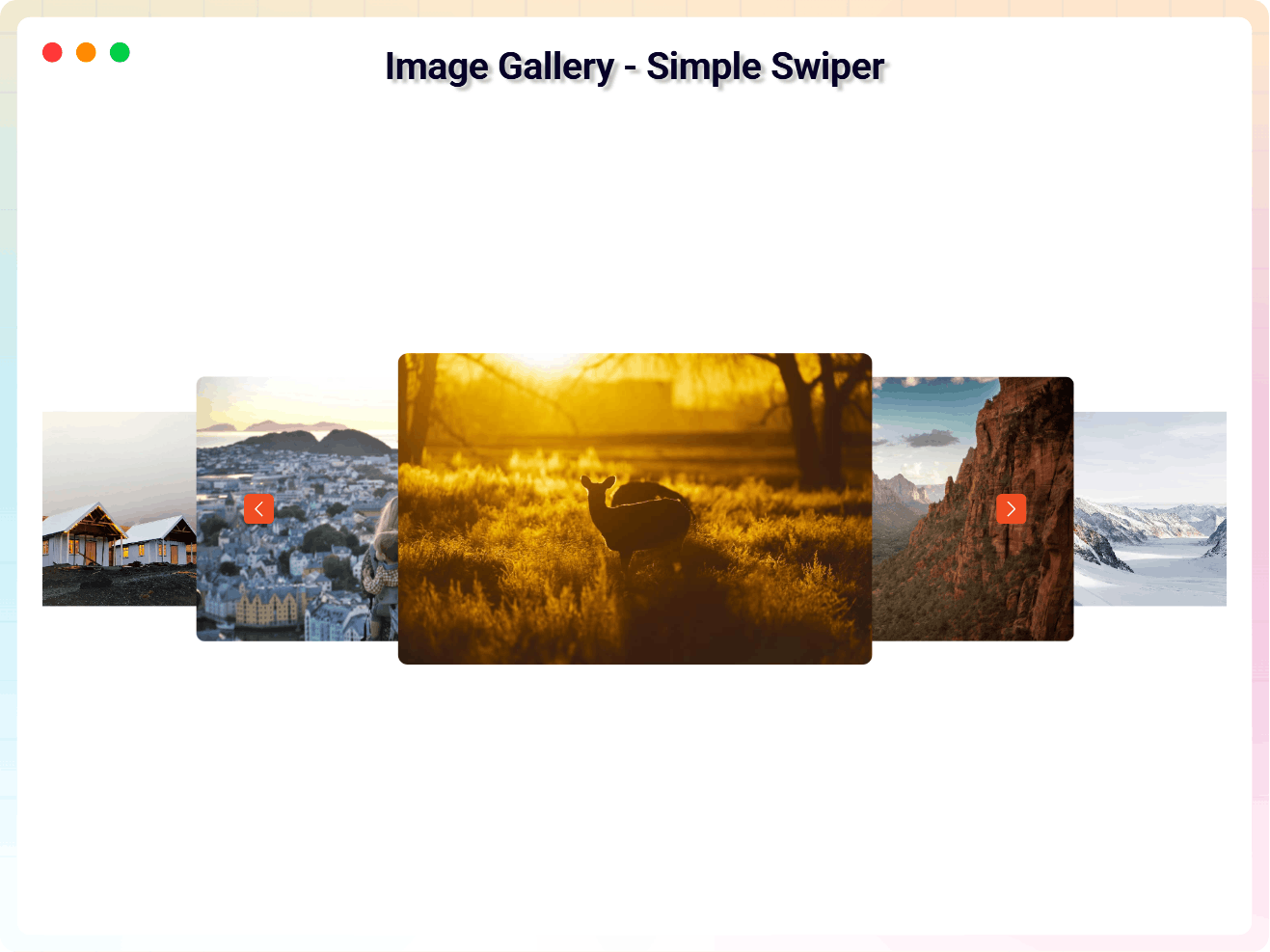
Blocks
This plugin provides 1 block.
- Image Gallery Create responsive image galleries, masonry layouts, lightboxes, and 3D image sliders.
Installation
From your WordPress dashboard (recommended):
- Go to Plugins Add New.
- Search for “Image Gallery Block”.
- Click Install Now, then Activate.
- Open any page or post in the block editor and add the Image Gallery block.
Manual installation:
- Download the plugin ZIP file.
- Go to Plugins Add New Upload Plugin, upload
3d-image-gallery.zip, and click Install Now. - Activate the plugin through the Plugins menu in WordPress.
Using the shortcode (for reusable galleries):
- Go to Image Gallery Add New in your admin menu.
- Build the gallery and click Publish.
- Go to Image Gallery All Image Gallery and click the shortcode in the Shortcode column to copy it, e.g.
[image_gallery id=123]. - Paste it into any post, page, widget, page-builder row or theme template.
Edit the gallery once and every place you pasted it updates.
FAQ
-
Is Image Gallery Block free?
-
Yes. The free version includes responsive image galleries with grid and Polaroid layouts plus a built-in lightbox popup. A Pro version is available with advanced layouts and design controls.
-
Can I create a photo gallery with Gutenberg?
-
Yes. Image Gallery Block lets you create responsive photo galleries directly in the WordPress Gutenberg editor without any additional page builder.
-
Can I create an image gallery in WordPress without Elementor?
-
Yes. Image Gallery Block works directly inside the WordPress Gutenberg editor and does not require Elementor or any page builder.
-
Can I create a masonry image gallery in WordPress?
-
Yes. The Pro version includes advanced Masonry image gallery layouts with responsive column controls.
-
Does this plugin include a lightbox image gallery?
-
Yes. The free version includes a built-in lightbox popup that lets visitors view images in an enlarged overlay.
-
Can I create a responsive photo gallery?
-
Yes. All gallery layouts automatically adapt to desktop, tablet, and mobile devices.
-
Does Image Gallery Block work with WooCommerce?
-
Yes. You can use Image Gallery Block to create product galleries, product showcases, and visual collections on WooCommerce-powered websites.
-
Will the gallery slow down my website?
-
No. The plugin uses optimized script loading – its scripts only load on pages where the block is actually used, helping maintain site performance.
-
Can I add titles, subtitles, and dates to gallery images?
-
Yes. You can add and edit titles and subtitles for each image, customize their typography responsively, and show or hide image dates formatted with the built-in date picker.
-
Can I use a shortcode instead of the block?
-
Yes. Go to Image Gallery Add New, build your gallery, publish it, then copy the shortcode from the Shortcode column of the gallery list — it looks like
[image_gallery id=123].This is the way to reuse one gallery in several places, or to put a gallery somewhere the block editor cannot reach: a widget, a page-builder row, or a theme template. The gallery is edited in one place and every copy of the shortcode follows it.
The block itself has not changed. If you only need a gallery on one page, adding the block straight to that page is still the simplest way.
-
Is Image Gallery Block translation ready?
-
Yes. The plugin is translation ready and fully compatible with multilingual websites.
-
How do I get support?
-
Free users can get help through the WordPress.org support forum. Pro users receive priority email support from our team.
-
Where do I report security vulnerabilities?
-
Please report security vulnerabilities found in the source code of the Image Gallery Block plugin through the Patchstack Vulnerability Disclosure Program. The Patchstack team will assist with verification, CVE assignment, and notify the developers of this plugin.
Reviews


Contributors & Developers
“Image Gallery Block – Showcase Photos in Stunning Responsive Grids” is open source software. The following people have contributed to this plugin.
Contributors


Translate “Image Gallery Block – Showcase Photos in Stunning Responsive Grids” into your language.
Interested in development?
Browse the code, check out the SVN repository, or subscribe to the development log by RSS.
Changelog
2.4.0 – 20 September 2026
- New (Pro): Media Highlights — Facebook-style story albums that group your photos and videos into swipeable, autoplay stories with a full-screen story viewer. Available in the Pro version.
- New — reusable galleries and a shortcode. There is now an Image Gallery post type: build a gallery once, publish it, and place it with
[image_gallery id=123]anywhere a shortcode works — a widget, a page-builder row, a theme template, or six different pages at once. Edit the gallery and every copy updates. The list table has a Shortcode column you click to copy. Putting the block straight into a page works exactly as before. - New: the gallery screen keeps the block editor even on a site where the block editor has been switched off — by the Classic Editor plugin, a “Disable Gutenberg” plugin, or a theme option. The gallery builder IS a block, so on the classic editor that screen was an empty box with no way to build anything. Your posts and pages keep whatever editor you have chosen; only the gallery screen is forced back. If something takes the screen over anyway, it now says so instead of showing an empty box.
- New — four ready-made sections. The block used to arrive from the inserter as three albums with no photographs in them: three empty cards. Four patterns now ship under Image Galleries in the inserter: Photo album grid, Polaroid photo wall, Portfolio showcase and Product lookbook.
- Each arrives finished — heading, copy, columns, gaps, card height and typography already set for the job, with albums that already have photographs in them. Both free styles are used, so Default and Polaroid are discoverable by inserting a section rather than by reading the settings panel.
- Fixed: the copy-to-clipboard helper for the admin list table shipped with another plugin’s text domain, so its two messages could never be translated.
- Fixed: the Polaroid photo wall section was empty. The Polaroid style does not read the album list the Default style uses — it reads its own flat list of photographs — so the bundled section inserted a wall with nothing on it. It now arrives with six framed photographs, each with a caption and a date.
- Fixed: the Polaroid wall collapsed into one column. Its grid takes its column count from the style settings rather than from the block’s own columns setting, and with that unset the CSS came out as
repeat(undefined, ...), stacking every frame vertically at full width. The section now sets three columns on desktop, two on tablet and one on mobile, along with frame size, spacing and shadow. - Fixed: frame captions could be invisible. The caption sits on the frame’s white card but took its colour from the theme, so on a dark theme it was white on white. Caption, note and date colours are now set on the frame itself.
- Fixed: the tilt of every frame changed on every re-render, so the whole wall reshuffled while you typed in the editor. Each frame now keeps its own angle.
- Fixed: a Polaroid gallery whose photographs had been cleared could throw before rendering.
- Fixed: the block had no usable inserter preview. Its example set a
previewattribute the block does not have, and the albums it previewed were the empty defaults, so hovering the block in the inserter showed three blank cards. It now previews a real gallery. - Placeholder photographs are drawn inline rather than fetched, so a freshly inserted section renders instantly, cannot show a broken image, and puts no outbound request on the page.
- New: Bulk Add from Media Library. Select several photos at once from the Media Library and add them all in one step — as new gallery items on the Default style, or new frames on the Polaroid wall — instead of adding, uploading, and browsing for each photo one at a time.
- New: Albums & Filter Bar. Group Default and Polaroid images into named albums and turn on a clickable filter bar so visitors can narrow the gallery down to one album at a time.
- New: Image Watermarking. Overlay a text or logo watermark on gallery thumbnails and/or the lightbox popup, with position, opacity, and color all configurable from the sidebar.
- New: Load More Pagination. Show a limited number of images up front with a “Load More” button to reveal the rest, so large galleries load faster.
- New: Lightbox Toolbar. The lightbox popup can now show a fullscreen toggle, a download button, a share/copy-link button, and an image counter (e.g. “3 / 12”).
- New: Aspect Ratio Control. Crop gallery thumbnails to Square, 4:3, 16:9, 3:2, or 9:16 instead of relying on a fixed pixel height.
- New: Right-Click Protection. An optional setting prevents visitors from right-clicking to save gallery images.
- Improved: Accessibility. Gallery tiles, Polaroid cards, and both lightboxes are now keyboard-operable (Tab, Enter/Space, Escape, Arrow keys), carry proper
role/aria-labelattributes, and move focus into and back out of the lightbox correctly for screen reader and keyboard users. - Improved: Image loading. Gallery and Polaroid thumbnails now lazy-load, and images carry real alt text instead of being decorative-only.
- Fixed: adding several images to a Default-style gallery in one session (e.g. via Bulk Add) no longer risks a JavaScript error — the gallery’s internal item tracking now grows with the gallery instead of staying fixed at its original size.
- Fixed: block asset caching now uses the plugin’s real version instead of a static fallback, so gallery styles update immediately after a plugin update instead of waiting on a stale browser cache.
- New: activating the plugin now takes you straight to the Help & Demos page, so onboarding starts immediately instead of leaving you on the plugins list.
- Fixed: an update package built with the wrong internal name could install as a separate copy of the plugin instead of replacing the existing one, which then showed as “Plugin could not be activated because it triggered a fatal error.” Update packages are now always named to match.
2.3.0 – 30 Jun 26
- Added: New Admin Dashboard UI with improved layout and user experience.
2.2.11 – 16 Mar 26
- Added: Default Dashboard Color Scheme.
2.2.9 – 15 Mar 26
- Fixed: Premium Overlay Issue.
2.2.8 – 05 Feb 26
- Fixed: Product landing page link not working.
2.2.7 – 26 Feb 26
- Fixed: Freemius Lite SDK Security Vulnerability.
2.2.6 – 23 Feb 26
- Added: New Dashboard.
2.1.5 – 14 Jan 26
- Added: New Screenshots.
- Fixed: Frontend View Issue.
2.1.4 – 13 Jan 26
- Added: New Features.
- Fixed: Theme Change Tooltip Issue.
2.0.2 – 18 Nov 25
- Added: Inline Script
2.0.2 – 04 Nov 25
- SDK updated
2.0.1 – 21 Aug 25
- Plugin activation fatal error fixed
2.0.0 – 14 Aug 25
- Added Seven New Styles
1.0.7 – 11 Jun 24
- Fix the image height issue on Firefox
1.0.6
- Fix Issue
1.0.5
- Add translate feature
1.0.4
- Fix Render Issue
1.0.3
- Fix the issue.
1.0.2
- Performance improvements.
1.0.1
- Fix Typography
1.0.0
- Initial Release.